30
Sep
Meet Ivy: Your AI Wellness Guide (Beta)
Starting today on ca.Shaklee.com, you’ll see Ivy – a conversational, AI Wellness Guide that helps you and your customers quickly find Shaklee solutions.
What Ivy Does (in Beta):
- Upgrades on-site search by letting you ask anything – from specific product questions to your own wellness needs and receive recommendations across our full product line.
- Uses available info – like profile, past order history, and the questions you ask – to tailor guidance (when signed in).
- Helps new customers discover the right starting place and shortens the learning curve for new Ambassadors.
Where to find it:
Look for the Ivy chat icon in the lower-right corner of ca.Shaklee.com. Click to start a conversation.
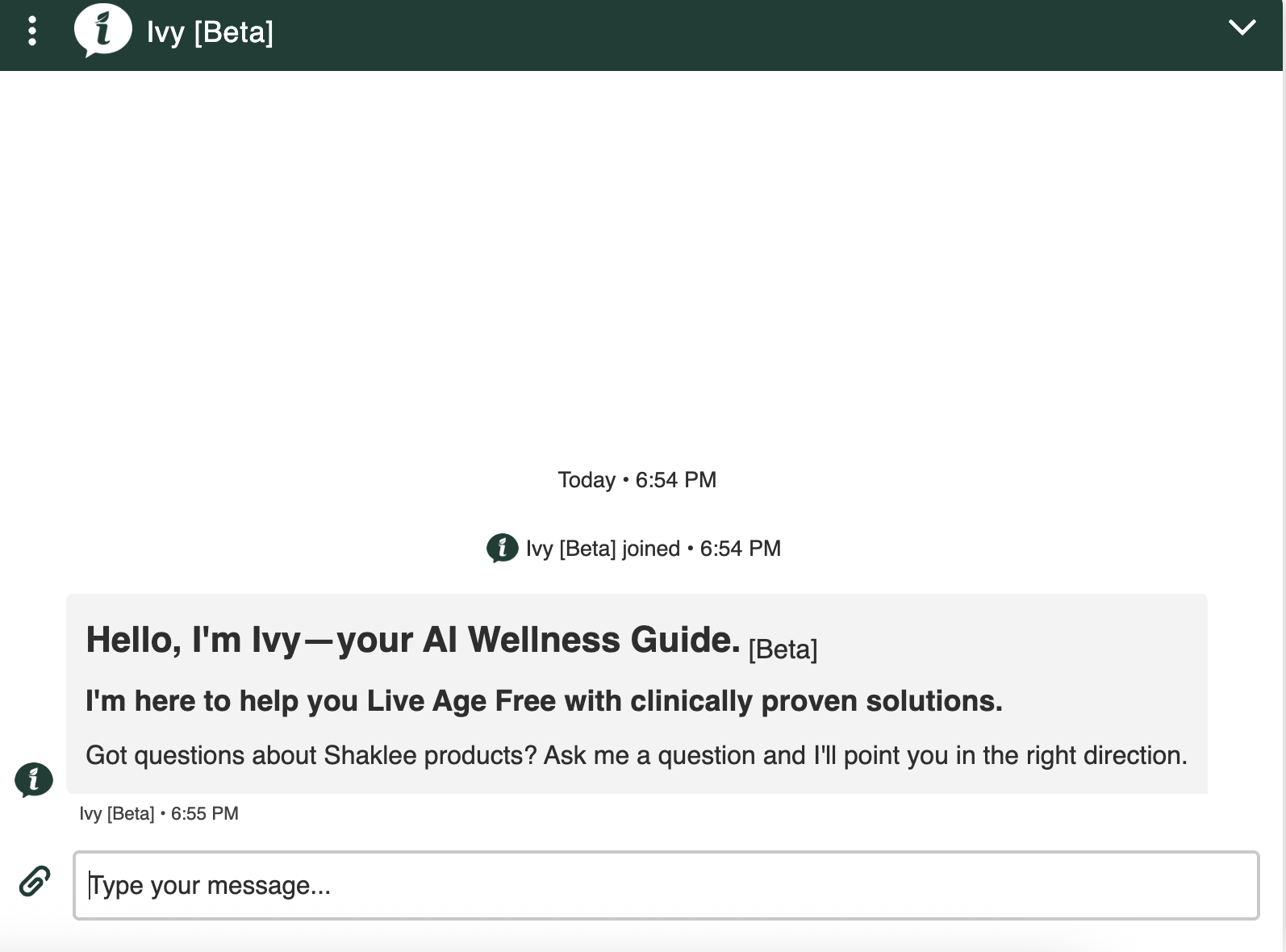
How you can use Ivy now
- Ask full questions. Examples:
- “I’m experiencing wrinkles around my eyes. What do you recommend?”
- “What multivitamin is right for a woman in their 40s?”
- “What supports joint comfort for someone in their 50s?”
- Support smarter. You can also ask Ivy questions on behalf of your customers to get personalized product recommendations that factor in each customer’s order history. Please note: The customer must be 1st level to the logged in Ambassador or the Business Leader.
- Qualify faster. Use Ivy’s suggestions to narrow choices, then confirm details on product pages.
- Create cart-ready ideas. Turn Ivy’s picks into a short list you can share and follow up on.
- Onboard new team members. Point them to Ivy to jump-start conversations with prospects.
Your customers can use Ivy, too!
Invite customers to visit ca.Shaklee.com, click the Ivy icon (bottom-right), and ask their own questions in plain language.
- Tip: Have them sign in for more tailored recommendations.
A quick note on Beta
Ivy is still learning. Recommendations won’t be perfect every time – use your judgment, double-check product pages, and treat Ivy as a smart assistant that speeds discovery.